 YouTube · voice-over
Audio Translator
Hear any YouTube video in your language.
Built by one developer· used by 140,692+ people
One developer
I design, build, ship and support every extension myself. When YouTube or ChatGPT change their pages and something breaks, I fix it, and your bug report reaches the person who wrote the code.
 Anton Khoteev, developer
The extensions
Each one works inside a page you already use: the YouTube player, the ChatGPT sidebar or your Google account.
YouTube · voice-over
Hear any YouTube video in your language.
 YouTube · subtitles
Read and translate YouTube subtitles.
 ChatGPT · bulk delete
Clear your ChatGPT history in one go.
 YouTube · mini player
Keep a YouTube video floating above your work.
 YouTube · comment history
Find your old YouTube comments.
On the page
Every extension sits inside YouTube or ChatGPT. Pick one to see it in place.
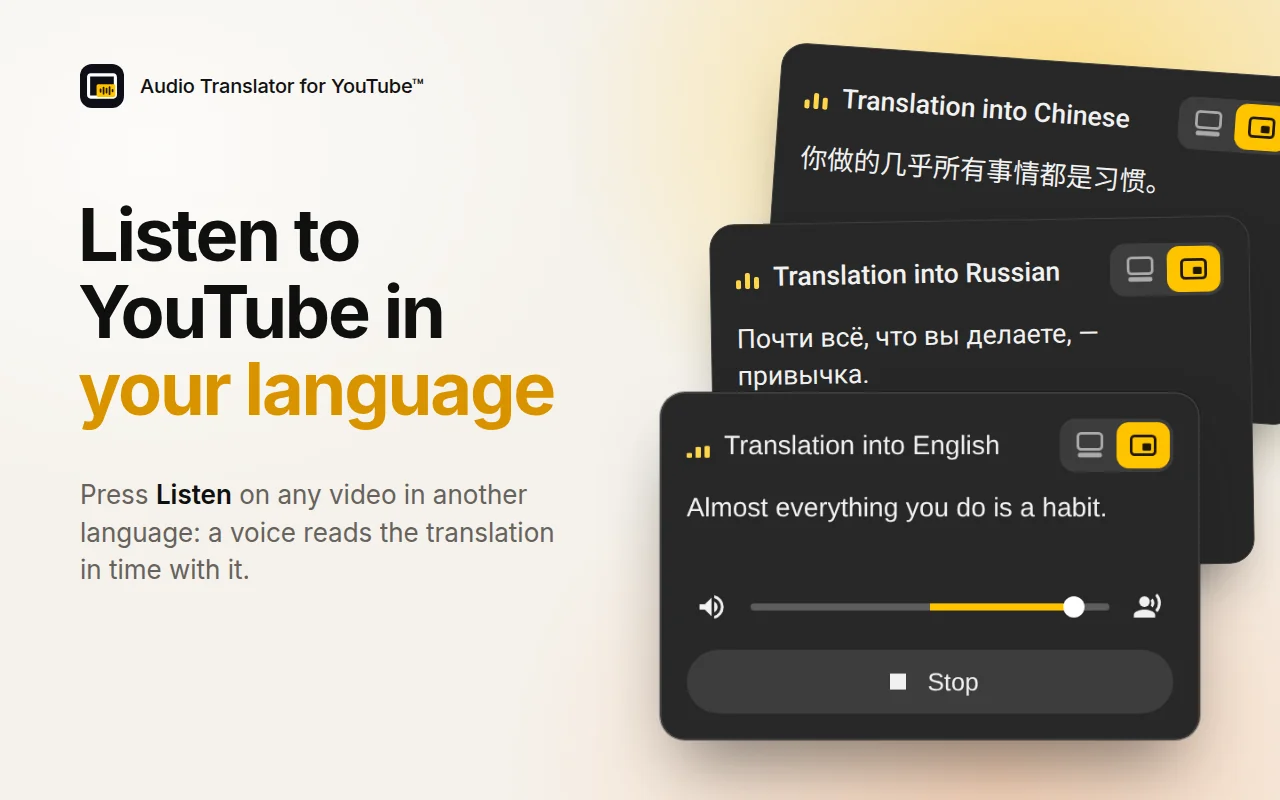
Listen to YouTube videos in your language: a voice reads the translation of the subtitles in time with the video.
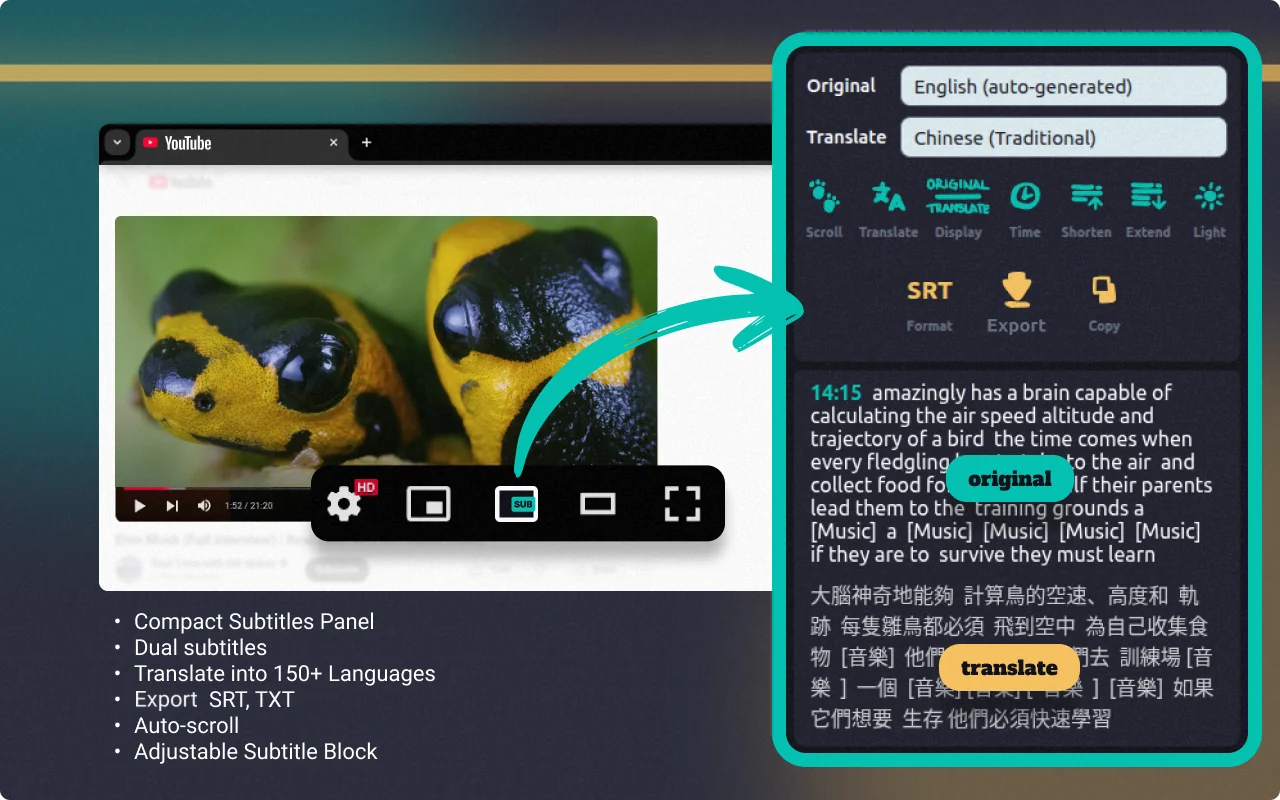
Read, translate and export YouTube subtitles right on the video page, with dual captions and a full transcript.
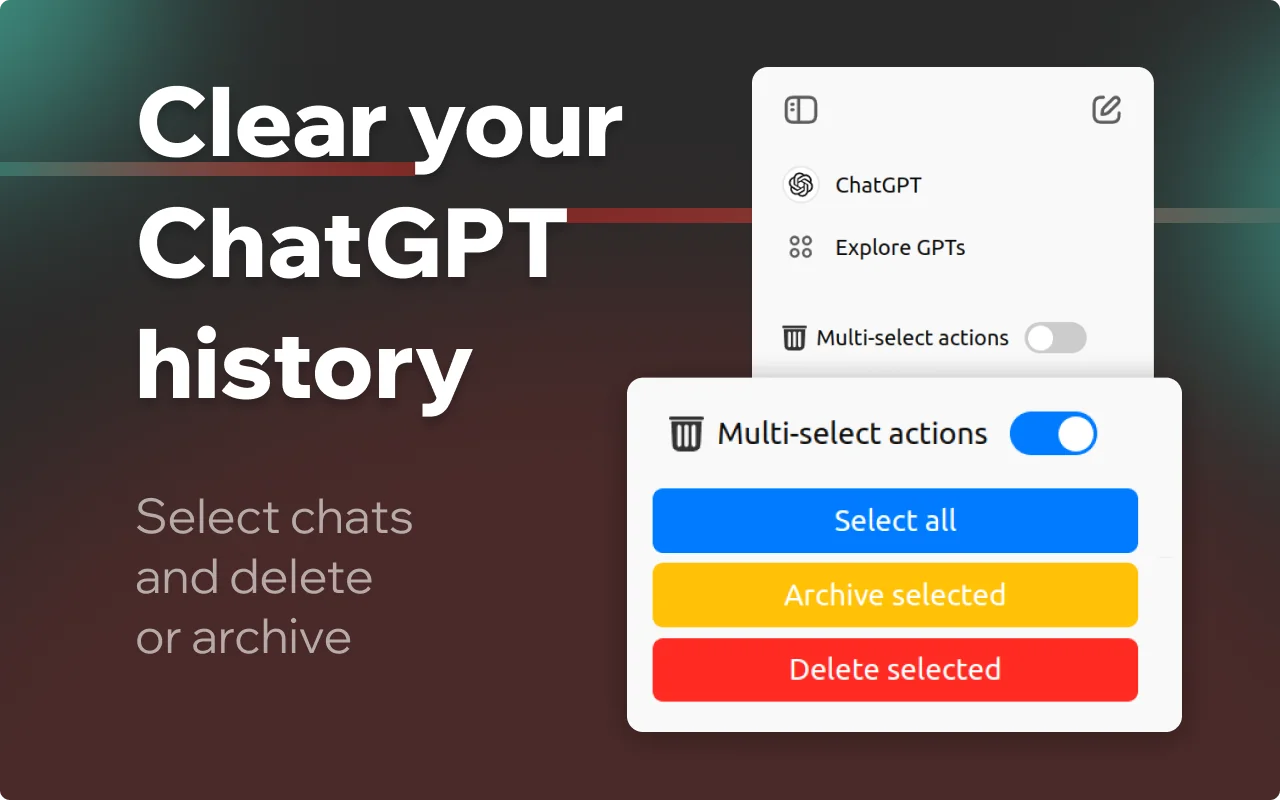
Select every conversation in your ChatGPT history and delete or archive them all at once, instead of clearing chats one by one.
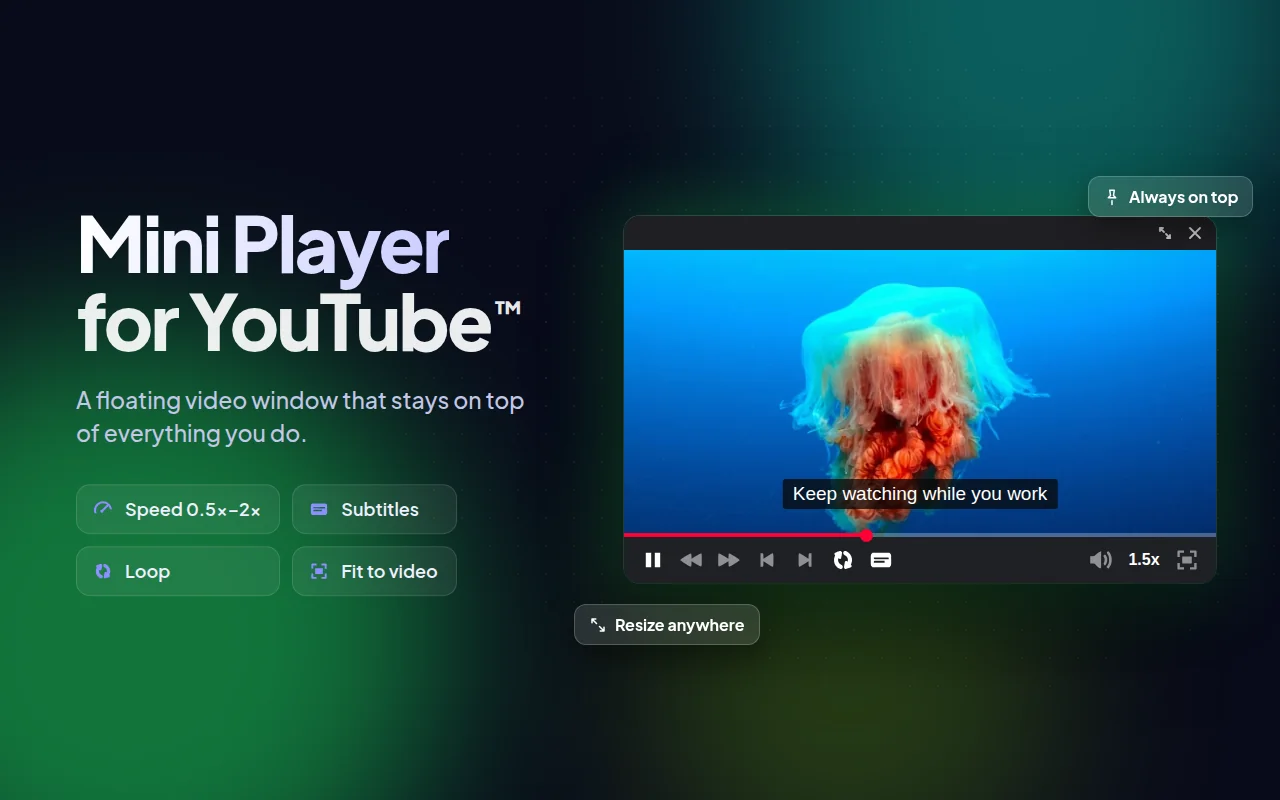
Send any YouTube video into a small floating window that stays on top while you work, browse or chat.
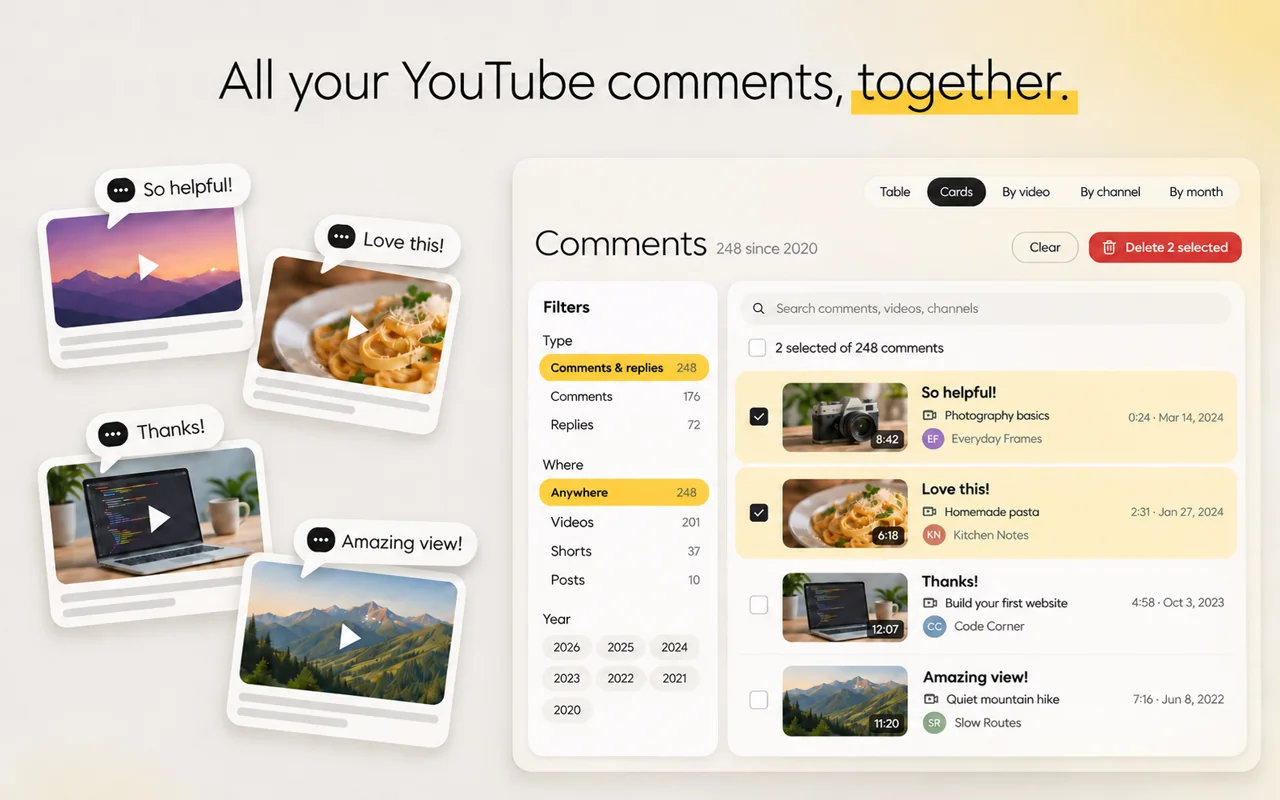
Every comment and reply you have left on YouTube in one list: search, filter, see likes and replies, and delete the ones you no longer want public.
From the blog
Comment History
How to delete a YouTube comment on a computer or phone, how to delete old comments from your comment history, and how to delete all your YouTube comments at once.
Comment History
Where YouTube keeps every comment you’ve posted, how to open your comment history on a computer or phone, and how to search it by word, video or channel.
Audio Translator
AI dubbing translates what’s said in a video and reads it with an AI voice. How to hear any YouTube video in your language and how to dub your own video for free.