🎧 Chrome extension
Audio Translator for YouTube™
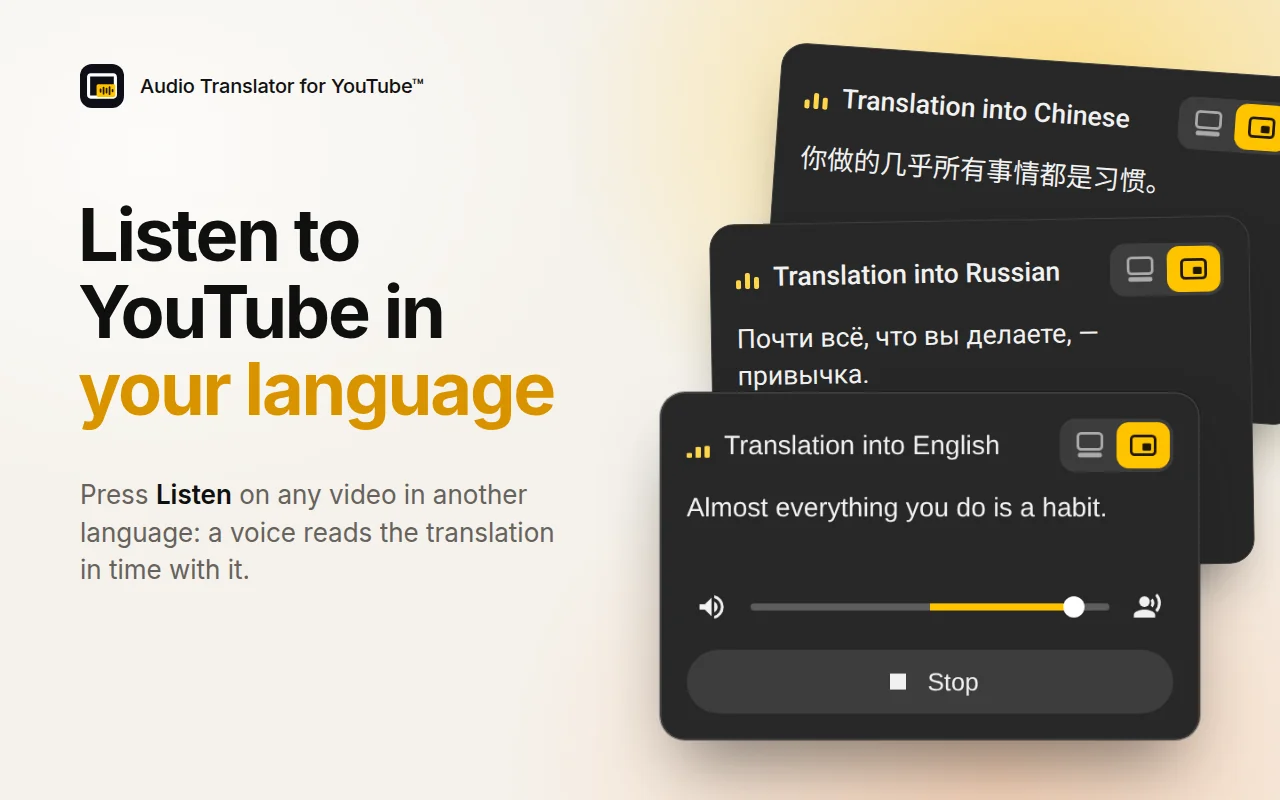
Listen to YouTube videos in your language: a voice reads the translation of the subtitles in time with the video.
- Store rating
- 0.0★
- Users
- 0
What it does
- Voice-over translation of YouTube videos into 49 languages
- Free mode with YouTube’s auto-translation and your browser’s voice
- AI translation made for dubbing and a lifelike AI voice
- One slider to balance the original and the translation
How it works
- Install it from the Chrome Web Store.
- Open a YouTube video in another language.
- Press Listen in the panel on the video.
- Pick the mode and the language in the settings next to the button in the player.
Pricing
Free to install. A free allowance covers occasional use; for unlimited use there are paid plans, purchased right inside the extension. Prices are shown in your local currency and may vary by country.
Payments are handled by our merchant of records: Paddle.com, Polar. See the refund policy and terms.
About Audio Translator for YouTube™
Audio Translator for YouTube™ turns subtitles into a voice-over: it translates what is said in the video and reads it aloud while the video plays.
Audio Translator for YouTube™ is an independent product by Anton Khoteev and is not affiliated with, endorsed by or sponsored by the services it works with. Third-party names are used only to describe compatibility.