📺 Chrome extension
Mini Player for YouTube™
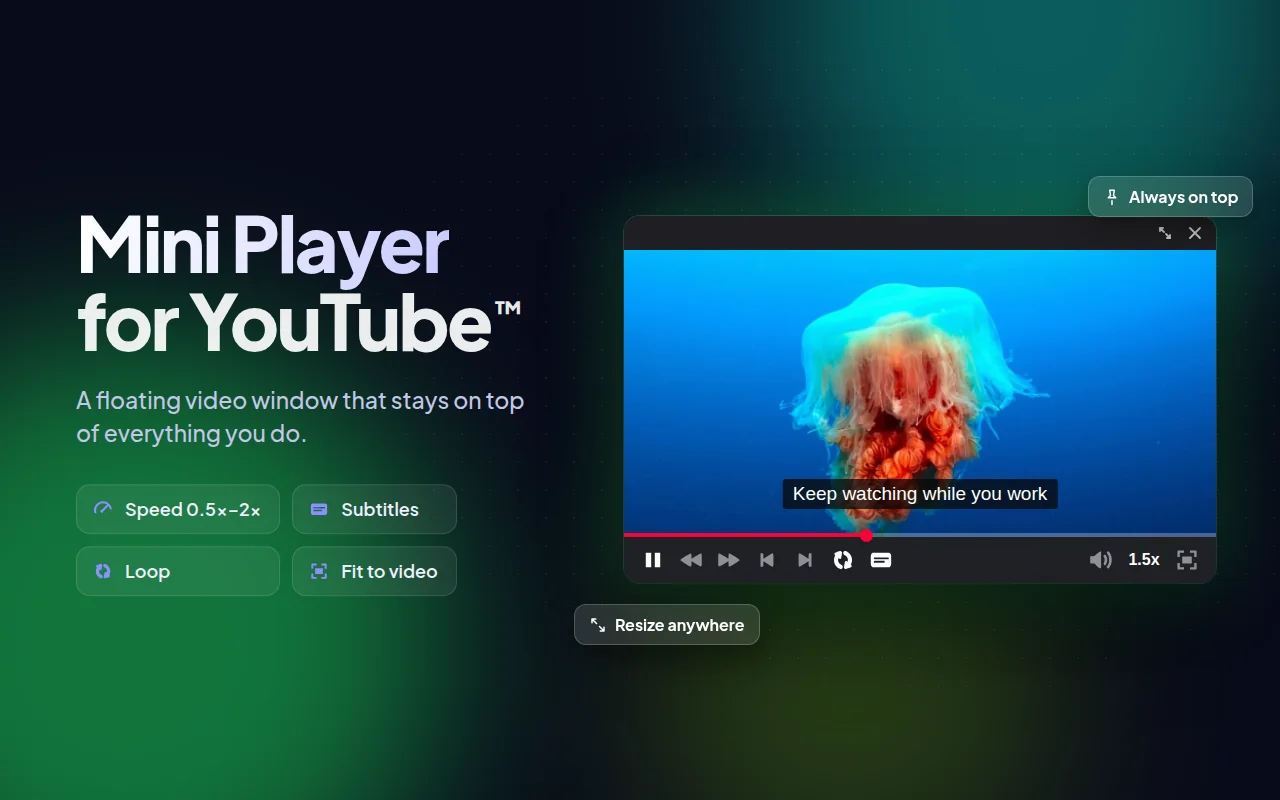
Send any YouTube video into a small floating window that stays on top while you work, browse or chat.
- Store rating
- 4.9★
- Ratings
- 1,600
- Users
- 84,000
What it does
- Floating player above any tab or app
- One click from the YouTube player controls
- Drag and resize the window anywhere on screen
How it works
- Install it from the Chrome Web Store.
- Open any YouTube video.
- Click the picture-in-picture button in the player controls.
- Drag and resize the floating window to where you want it.
Pricing
Free to install. A free allowance covers occasional use; for unlimited use there are paid plans, purchased right inside the extension. Prices are shown in your local currency and may vary by country.
Payments are handled by our merchant of records: Paddle.com, Polar. See the refund policy and terms.
About Mini Player for YouTube™
Mini Player for YouTube™ adds a picture-in-picture mode to YouTube, so you can watch videos in a small floating window. The video keeps playing in the corner of your screen while you work, browse the web, check email or chat.
Minimise the YouTube tab and the video carries on in the background, giving you the freedom to multitask without interruptions.
Mini Player for YouTube™ is an independent product by Anton Khoteev and is not affiliated with, endorsed by or sponsored by Google or YouTube. YouTube is a trademark of Google LLC; the name is used only to describe compatibility.